
A few years ago, most people only reached for text to speech software when they had no other option. A reader who couldn’t see the screen. Someone who forgot to record a voiceover before a deadline. That’s not the case anymore. The voices got good. Good enough that you’ve almost certainly listened to one this week without noticing, in a YouTube explainer, a phone menu, or an app reading an article back to you on the bus.
The money tells the same story. The global text to speech market grew from around $3.87 billion in 2025 to roughly $4.36 billion in 2026, and AI-generated voices now make up more than two-thirds of that spending. The flat robotic monotone is fading out, and natural-sounding synthetic speech has quietly gone mainstream.
This guide covers what text to speech software actually is, how it works, who’s using it, and the part most people care about: how to pick the right tool without wasting money.
What text to speech software actually does
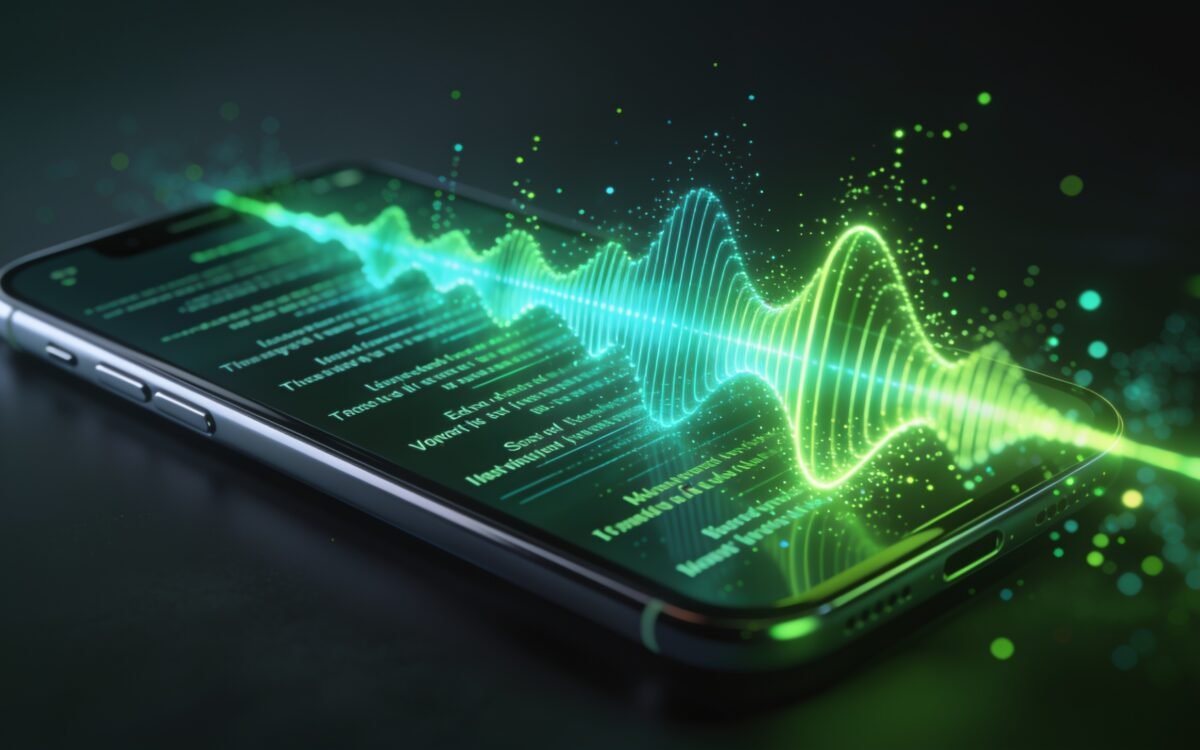
At its simplest, text to speech software (usually shortened to TTS) takes written words and turns them into spoken audio. You paste in a paragraph, choose a voice, and the tool reads it back as an audio file you can download or a live stream you can play inside an app.
Under the hood, the conversion happens in a few stages, though good tools hide all of it. First the software reads the text and works out how it should actually be spoken, handling punctuation, numbers, abbreviations, and context. That last part matters more than it sounds: the word "read" is pronounced differently depending on whether it’s past or present tense, and the software has to figure that out from the sentence. Next it maps the words to their sounds. Then a model generates the actual audio, shaping the waveform you hear.
You’ll run into a few different names for the same thing while shopping around. "Neural TTS," "AI voices," and "synthetic speech" all describe the same core idea: a machine learning model that analyses text and produces audio that mimics a human speaker.
Why today’s voices sound so different
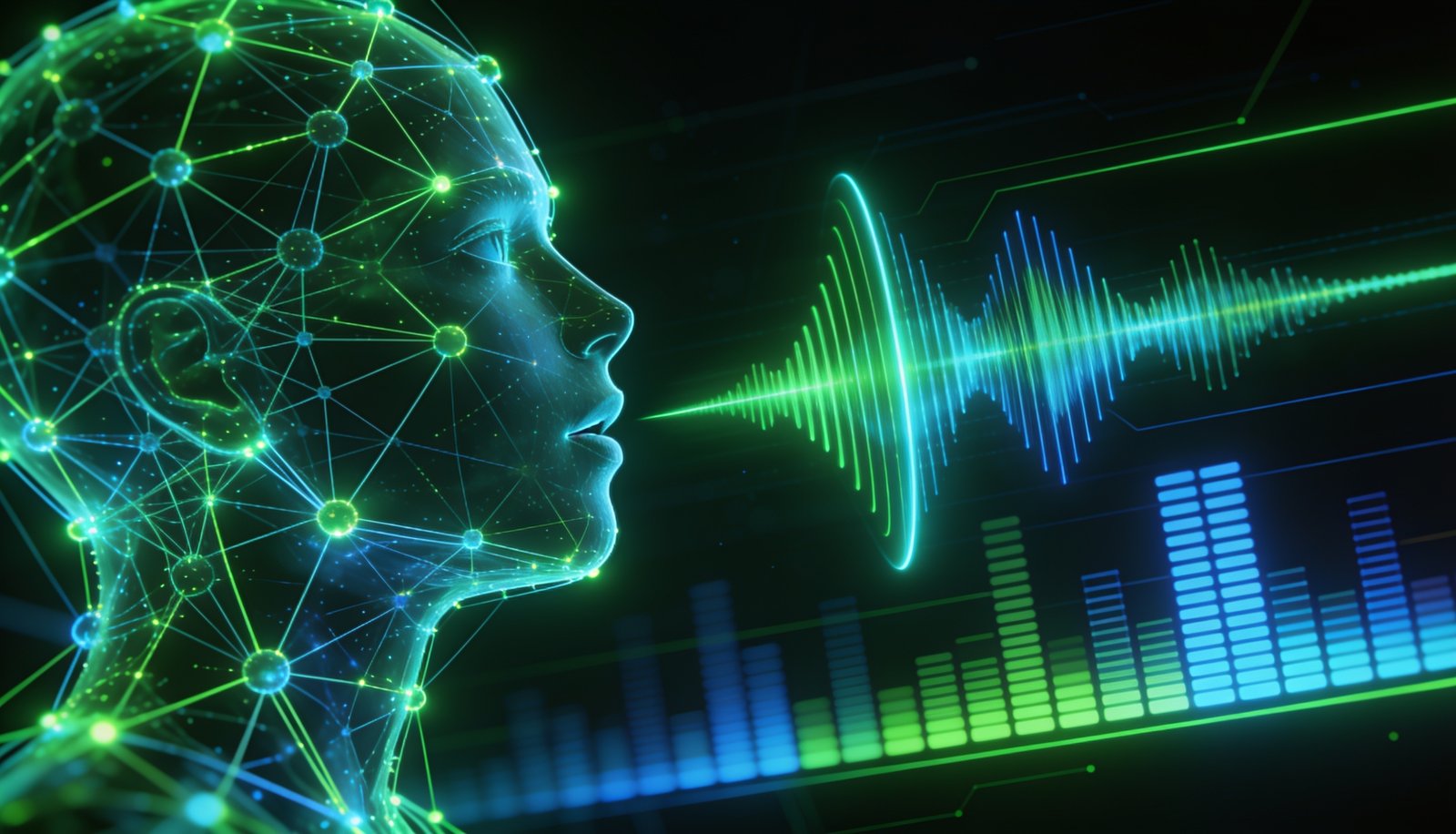
The reason modern voices sound nothing like the ones you remember comes down to how they’re built. Older systems stitched together tiny recorded fragments of speech, which is exactly why they came out choppy and lifeless. Newer tools use neural networks trained on thousands of hours of real human recordings, so they pick up the rhythm, the natural pauses, and the small shifts in pitch that make speech feel alive rather than assembled.
Some go further. The best models can read a line with sarcasm, excitement, or hesitation, and a few now let you steer the delivery with plain-English instructions like "warm and professional, with a bit of energy" instead of fiddly technical tags. The bar has risen fast. A voice that sounds slightly off used to be acceptable. Today, if it sounds unnatural for more than a sentence or two, people notice right away, and a good script with an awkward voice falls flat.
Who actually uses text to speech software
The audience is much wider than it used to be.
Content creators and YouTubers use it to narrate videos without a microphone, a quiet room, or hours in an editing suite, and to produce a lot of content quickly. Marketing and e-learning teams lean on it for training modules, product demos, explainer videos, and ad reads, where re-recording a human voice for every small edit isn’t practical. Students and anyone who benefits from listening rather than reading use it to get through documents, textbooks, and web pages, and it remains a genuine help for people with dyslexia or low vision. Developers build it directly into their own products: phone systems that talk back, in-app narration, voice assistants, and game characters. And support teams use it behind automated phone lines and voice agents that handle routine calls.
Podcasters and audiobook makers have started using it too, especially for turning written articles and books into listenable audio at a fraction of the studio cost.
The features that make or break a tool
Not every feature matters for every person, but these are the ones worth weighing.
Voice quality is the big one. If the voice isn’t convincing, nothing else saves it. Language and accent coverage comes next if your audience isn’t all in one place. Voice cloning has become a headline feature: you record a short sample and the tool builds a voice from it, which is handy for keeping a consistent brand voice or narrating in a language you don’t speak yourself.
Control over delivery is easy to overlook until you need it. Being able to adjust emphasis, pace, and pauses is the difference between audio that sounds read and audio that sounds performed. Pronunciation accuracy matters if your content is full of names or jargon, so check whether a tool lets you build a custom dictionary to lock in how "brand names" or technical terms are said.
Then there are the practical bits. Can you download the audio as an MP3 for a video? Is there an API if you’re a developer? Does it plug into the tools you already use, like your video editor or your CMS? Latency only matters if you’re building a live voice agent, where a delay of even a second breaks the illusion of a real conversation. And commercial licensing quietly matters to everyone, which brings us to a point worth repeating later: can you legally use the audio in something you sell?
The main kinds of text to speech software
Most tools fall into a few buckets, and the right bucket depends entirely on what you’re doing.
Creator and voiceover tools are built for making polished audio. ElevenLabs has the strongest reputation here for expressive, natural voices and voice cloning, with a free tier of about 10,000 characters a month and paid plans starting around $5. Murf AI leans toward marketing and e-learning, with editing controls that make it easy to tweak a voiceover. Fliki is aimed at short-form video.
Listening and accessibility apps are built for consuming content rather than producing it. Speechify is strong on mobile and includes OCR, so it can scan a printed page and read it aloud. NaturalReader keeps things simple: upload a document or install the browser extension and start listening, with paid plans from around $9.99 a month.
Developer APIs are for building speech into your own software. Amazon Polly, Google Cloud, and Microsoft Azure all offer neural voices you pay for by the character, and OpenAI’s TTS works out to roughly a cent and a half per minute of audio. These need a bit of setup but scale well.
All-in-one platforms bundle several jobs together. Maestra, for example, covers text to speech, voice cloning, translation, and subtitles across a very large set of languages, with plans starting around $39 a month. And for teams that want full control, there are open-source models you can run on your own hardware, though those take real technical effort.
| Tool | Best for | Pricing model |
|---|---|---|
| ElevenLabs | Realistic voices and cloning for creators | Free tier; subscriptions from ~$5/mo |
| Murf AI | Marketing and e-learning voiceovers | Subscription |
| Speechify | Listening on mobile, scanning printed pages | Free; premium plans |
| NaturalReader | Simple document and web-page reading | Free; from ~$9.99/mo |
| Amazon Polly / Google / Azure | Developers building voice into apps | Pay per character |
| Maestra | Multilingual, all-in-one workflow | From ~$39/mo |
What text to speech software costs
Pricing usually follows one of three shapes. Pay-per-character means you’re billed for how much text you convert, which suits low or unpredictable volume. Subscriptions charge a flat monthly fee for a set amount of usage, which is more predictable once you’re producing audio regularly. And a handful of desktop programs still sell a one-time licence for permanent access.
Match the model to how much you’ll actually use. Heavy, steady users tend to save with a subscription, while occasional users are better off paying only for what they convert. One warning worth taking seriously: cheap on paper isn’t always cheap in practice. Credit-based systems can look affordable until a high-volume month burns through your allowance faster than expected, so read the fine print on what a "character" or "credit" actually buys.
Free text to speech software
There’s plenty of free text to speech software, and for light use it’s genuinely fine. Most good paid tools include a free tier, browsers have basic built-in voices, and even Microsoft Word and Google Docs can read documents aloud. NaturalReader and Speechify both have free versions aimed at listening.
The catch is always the limits. Free plans cap how much you can convert (ElevenLabs’ free tier of 10,000 characters is roughly one medium blog post), offer fewer or lower-quality voices, and, crucially, often don’t grant commercial rights. They’re perfect for testing whether a tool fits before you pay, and fine for personal listening. Just don’t build a business on one without checking what you’re allowed to do with the output.
How to choose the right tool
You can skip most of the noise by answering five questions honestly.
What’s the main use case: narrating videos, reading documents, or building voice into an app? How much does voice quality matter, really, because customer-facing content needs a much higher bar than a private study aid? Do you need voice cloning, or will a stock voice do? What’s your budget, and how much audio will you produce, so you can match yourself to the right pricing model? And how many languages do you need?
Once you’ve narrowed it to two or three candidates, do the thing most people skip: test them with your own script, not the polished demo sentence. Spend an hour, and the right one usually makes itself obvious. The most common mistake is confusing a long feature list with the right fit. A tool can do everything on paper and still be wrong for how you work.
A few things worth watching
Check commercial licensing before you publish anything you’re paid for, especially on free tiers, because the rules vary a lot between tools. Test with real content rather than the demo, since the differences between voices only show up over longer passages. Make sure names and technical terms are pronounced correctly, and look for a custom dictionary if that’s a problem for your content. And as AI voices spread, being upfront that a voice is AI-generated is increasingly expected in commercial work, and in some places now required, so it’s worth building that habit early.
So which one should you use?
The honest answer is that it depends on the job, and anyone who tells you there’s a single best tool is usually selling it. If you’re a creator who cares most about a voice sounding real, ElevenLabs is the safe bet. For marketing and training voiceovers, Murf fits the workflow. If you just want to listen to your documents, Speechify or NaturalReader will do it with the least fuss. Developers should look at Polly, Google, or Azure. And if you juggle several languages and want everything in one place, an all-in-one platform like Maestra saves the most time.
Pick the one that matches how you actually work, test it on your own content, and you’ll know within an hour whether it’s right.
Frequently asked questions
What is the best text to speech software?
It depends on your use case. ElevenLabs is a top pick for realistic voices and cloning, Murf for marketing voiceovers, Speechify and NaturalReader for listening, and the cloud APIs for developers.
Is there free text to speech software that sounds good?
Yes. Most quality tools have free tiers, and apps like NaturalReader and Speechify have solid free versions. Expect caps on usage and, often, no commercial rights.
Can I use text to speech for YouTube videos?
Yes, as long as the tool lets you export an MP3 and its licence allows commercial use. Most creator-focused tools do, but check the plan you’re on.
What is voice cloning?
It’s the ability to create a synthetic voice from a short sample of real speech, so a tool can narrate in that voice, sometimes even in languages the original speaker doesn’t know.
How much does text to speech software cost?
Anywhere from free to roughly $5–$39 a month for subscriptions, or a few cents per minute for pay-as-you-go developer APIs. Volume decides which is cheaper.
Can I use AI voices commercially?
Usually yes on paid plans, but you must check the licence, and increasingly you should disclose that the voice is AI-generated.
Prices and market figures are accurate as of 2026 and change often. Always confirm current pricing and licensing on the provider’s own site before committing.